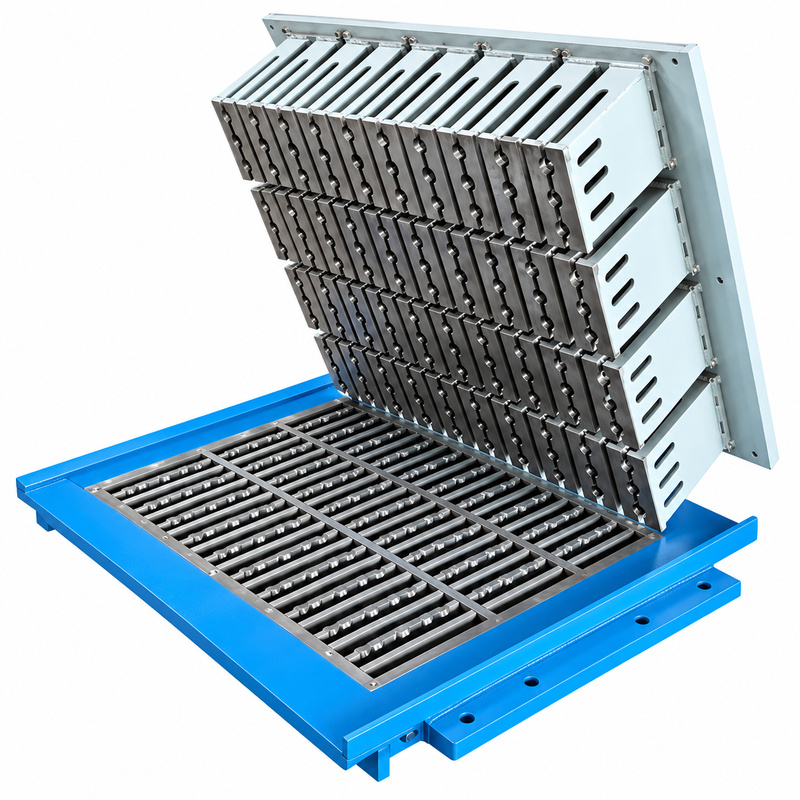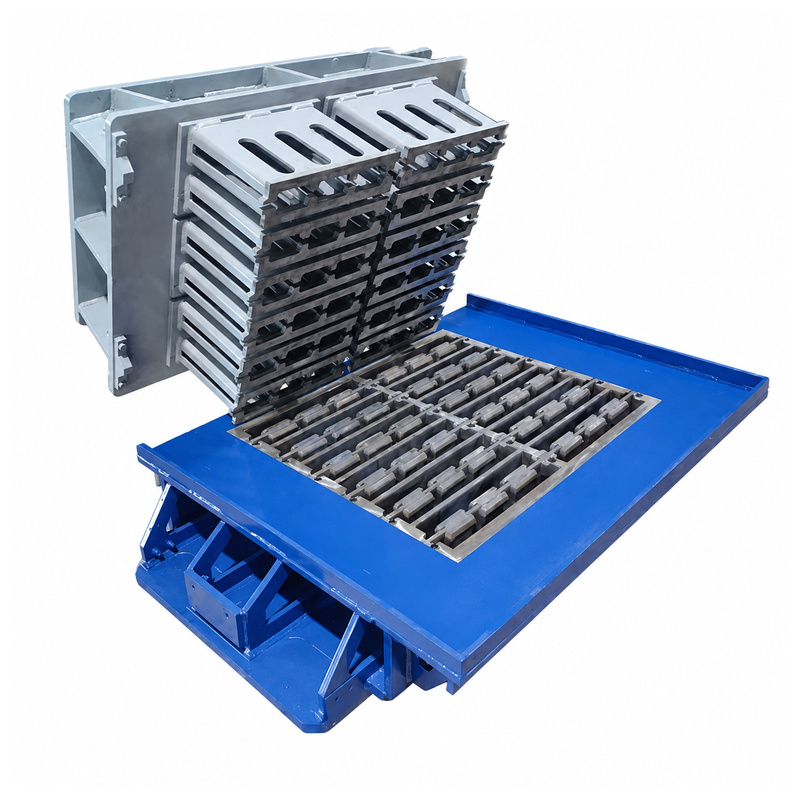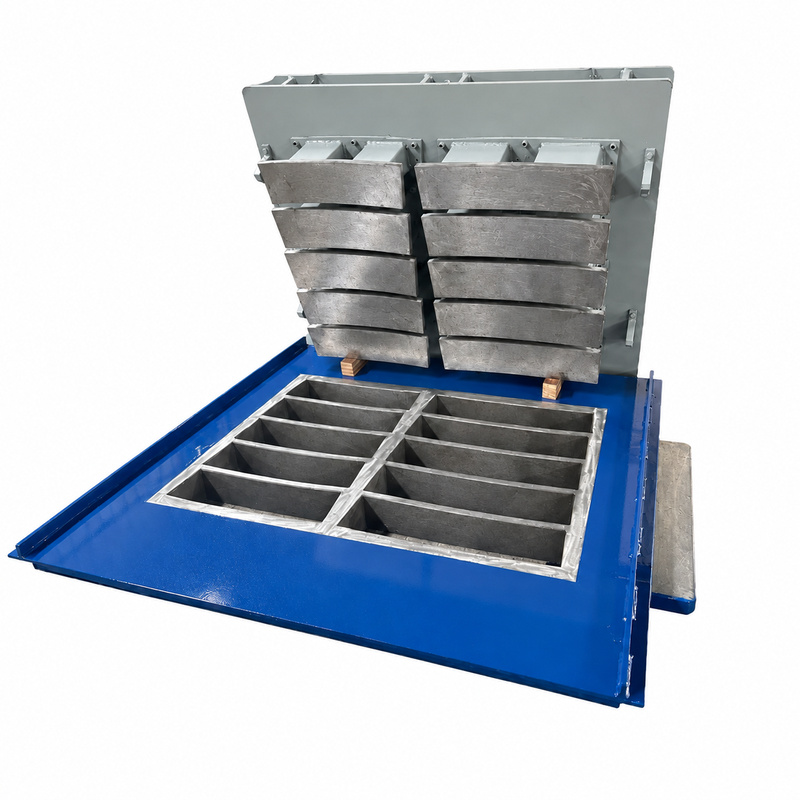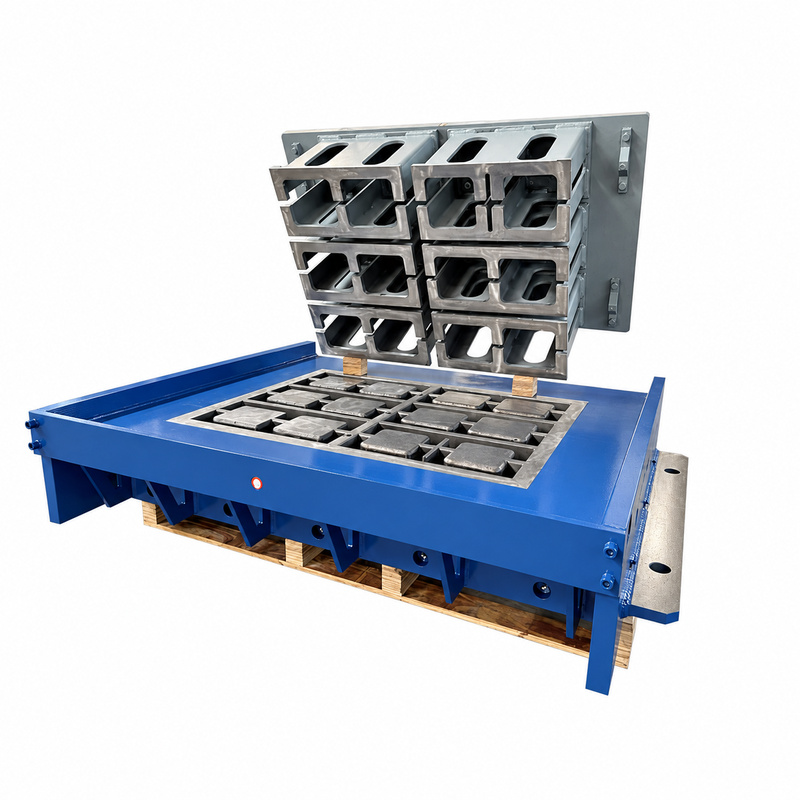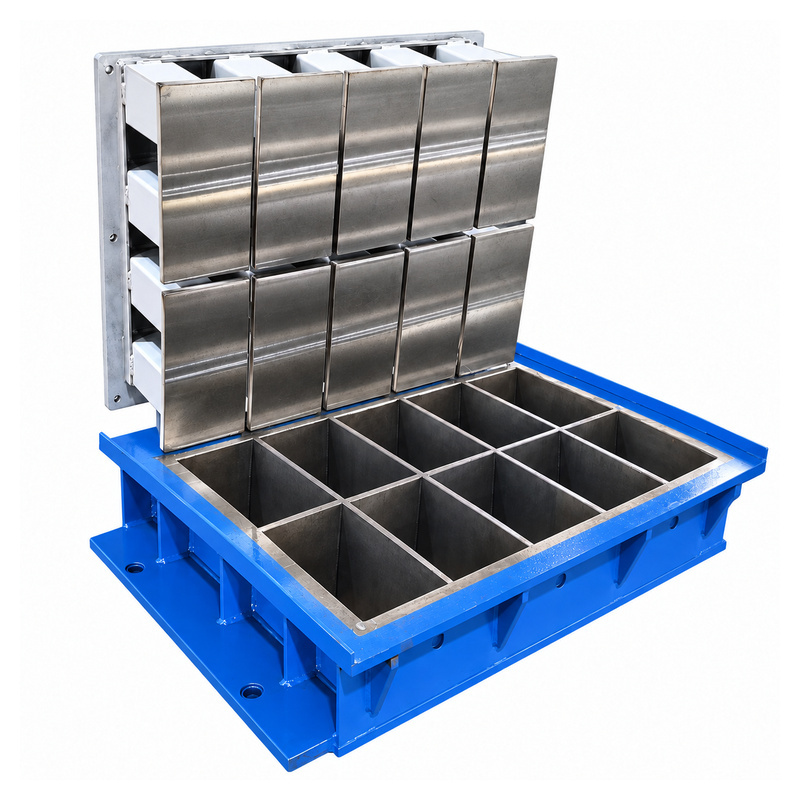
Concrete Block Molds
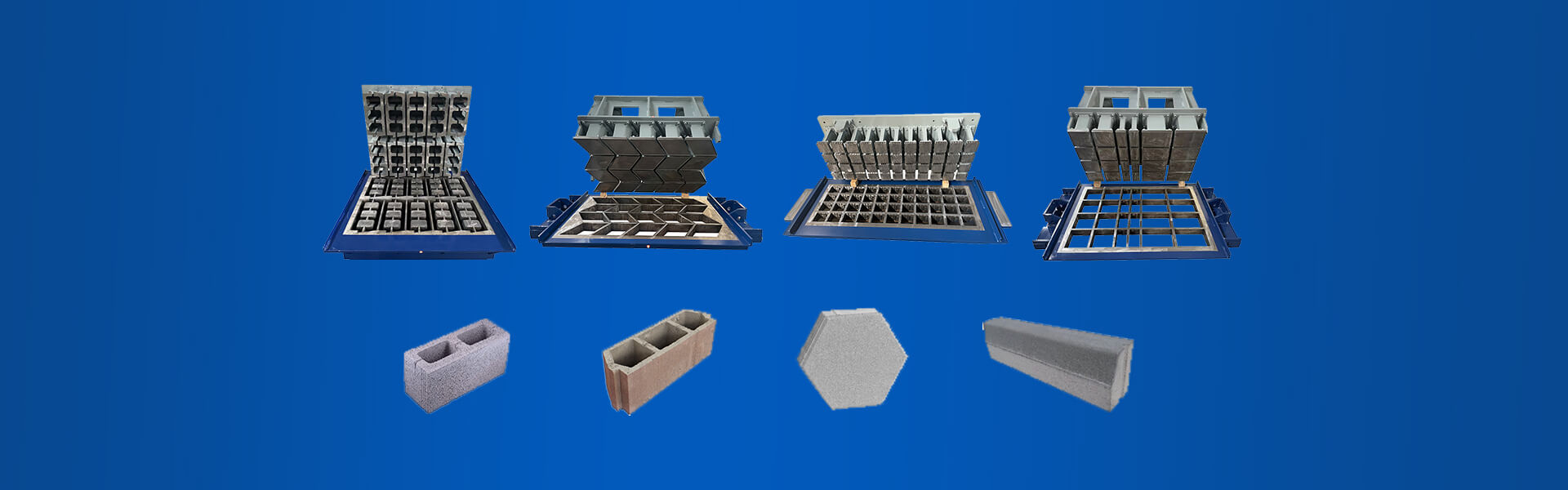
Hollow Block Mold
Solid Block Mold
Solid Brick Mold
Interlocking Block Mold
Thermal Block Mold
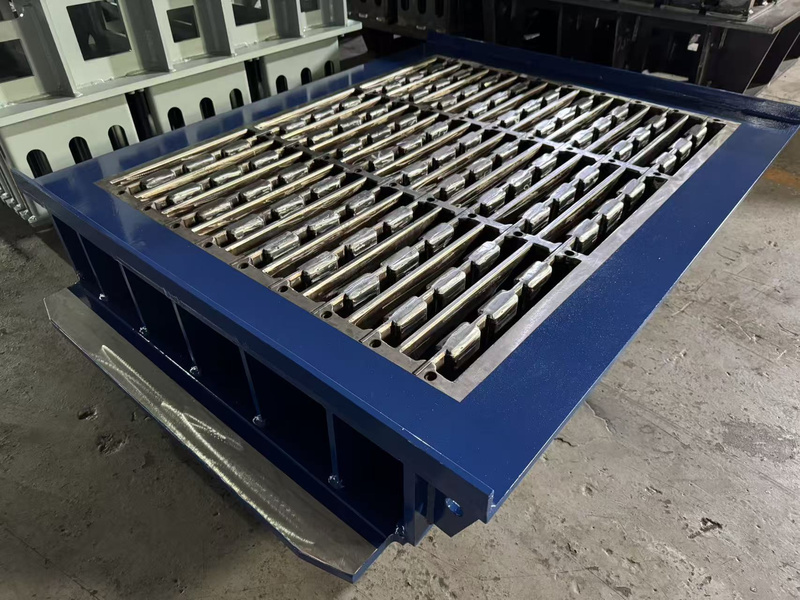
Bring your HESS model, mounting views and pallet drawing into one review. Define the mould box and upper connections together so the proposed tool follows the installation details supplied by your plant....
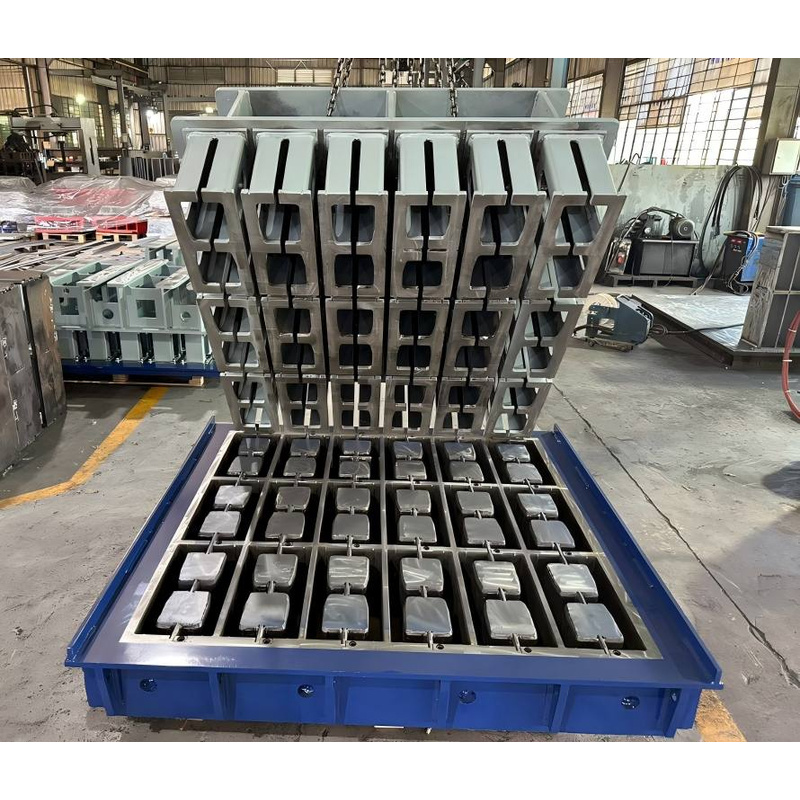
Use your exact MASA designation and existing tooling measurements to define the replacement scope. Review pallet size, frame envelope and upper connections together, keeping the proposed mould tied to the receiving production line....
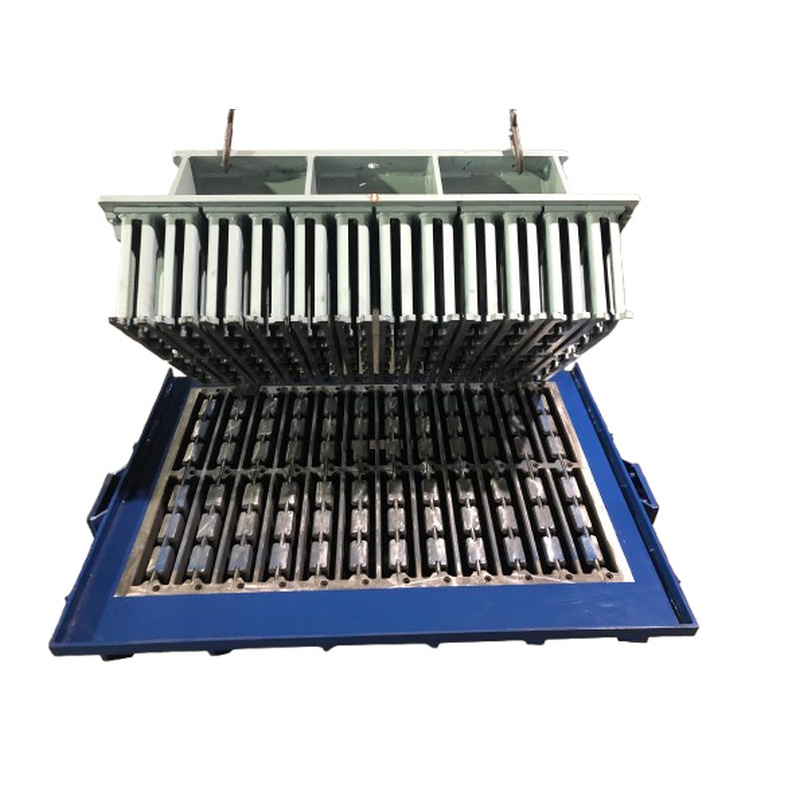
Define your POYATOS replacement with measured connections and full machine details. Bring mould height, upper mounting and pallet data into the review so the proposed tool can be assessed against your actual production line....
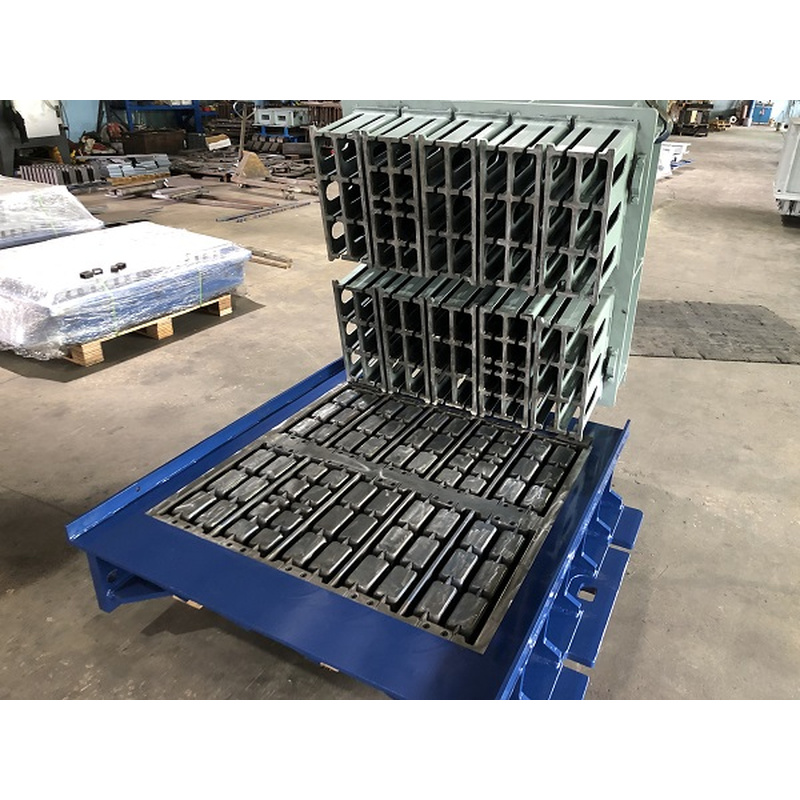
Review QUADRA Q10 tooling using your own line details. Check mounting points, upper connections and pallet drawings together, keeping hollow block and Hourdis references distinct as you prepare the enquiry and approve the proposed tool....
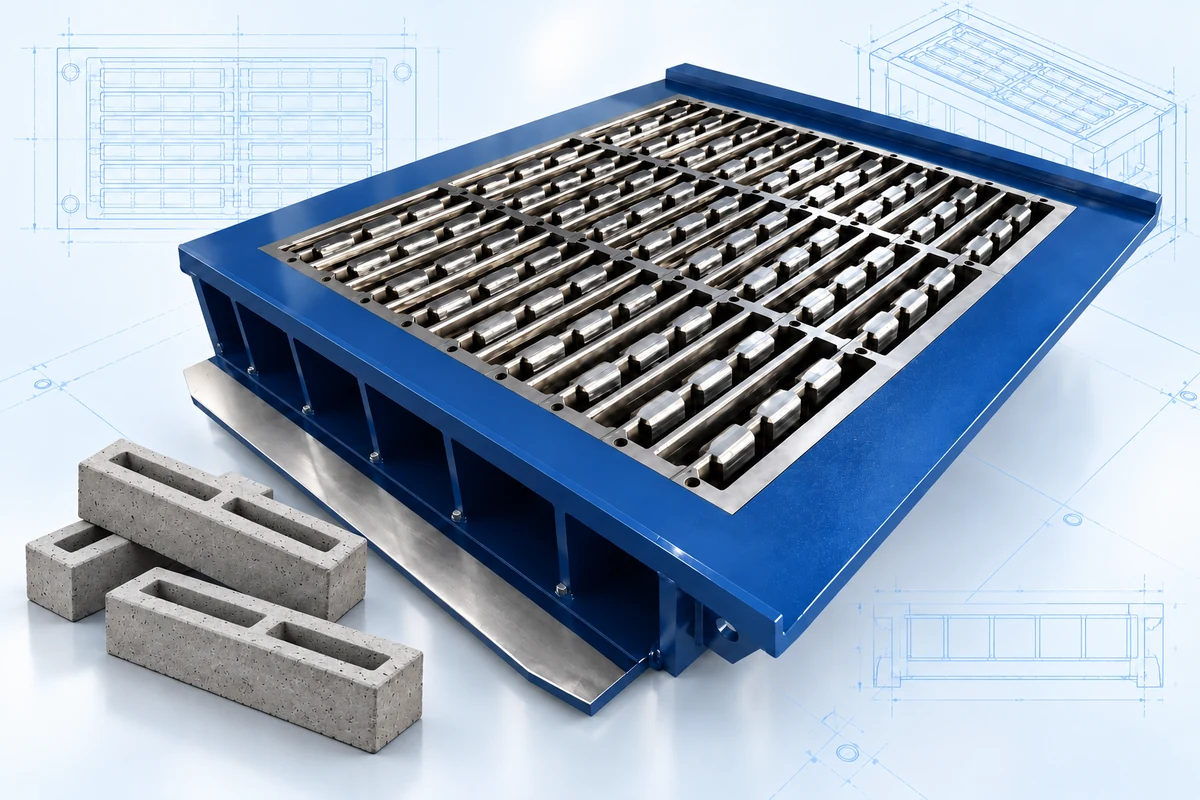
Start your Zenith tooling enquiry with a clear installation brief. Supply the full model, mounting measurements and upper connections so the proposed mould can be reviewed against your actual equipment before fit is confirmed....
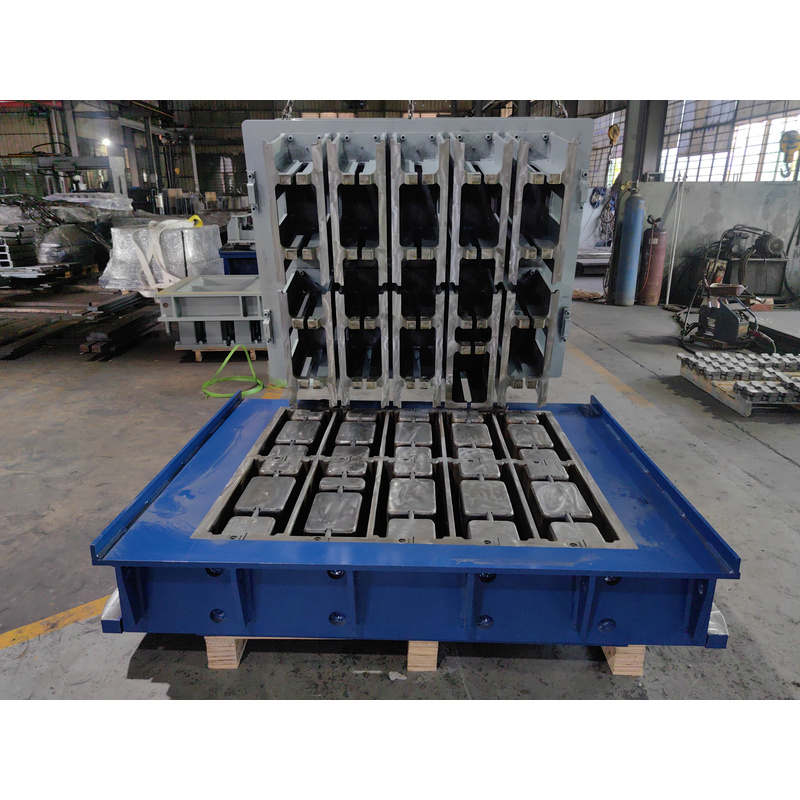
Connect your TECHMATIK block drawing with the receiving line’s tooling interfaces. Review mould height, tamper matching and mounting details together so the proposed upper and lower assemblies follow a clear set of approved references....
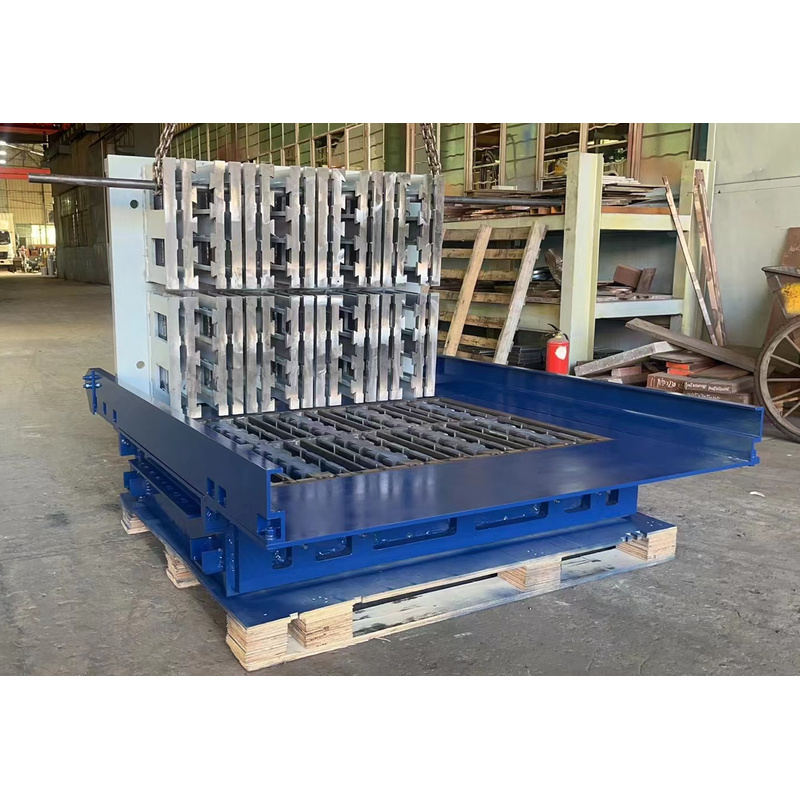
Turn your block section into a clear tooling brief. Review hollow openings, concrete walls and any insulation insert together, then agree the cavity arrangement and pallet requirements for the HESS installation being considered....
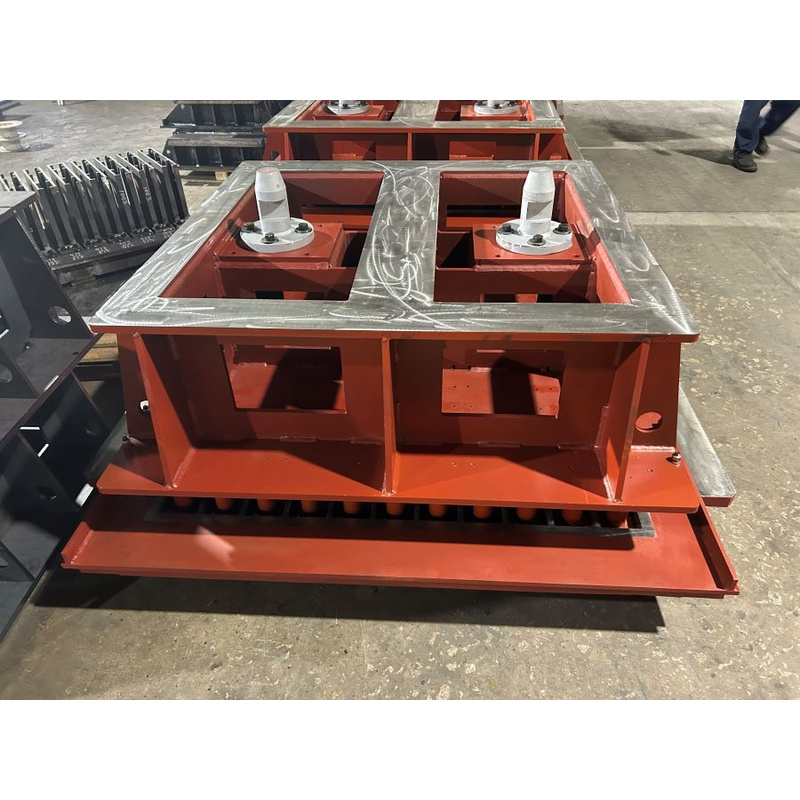
Organise a mixed MASA tooling order by finished product. Give each block, paver or curbstone its own drawing and layout brief so cavity geometry, surface details and pallet use can be reviewed clearly....
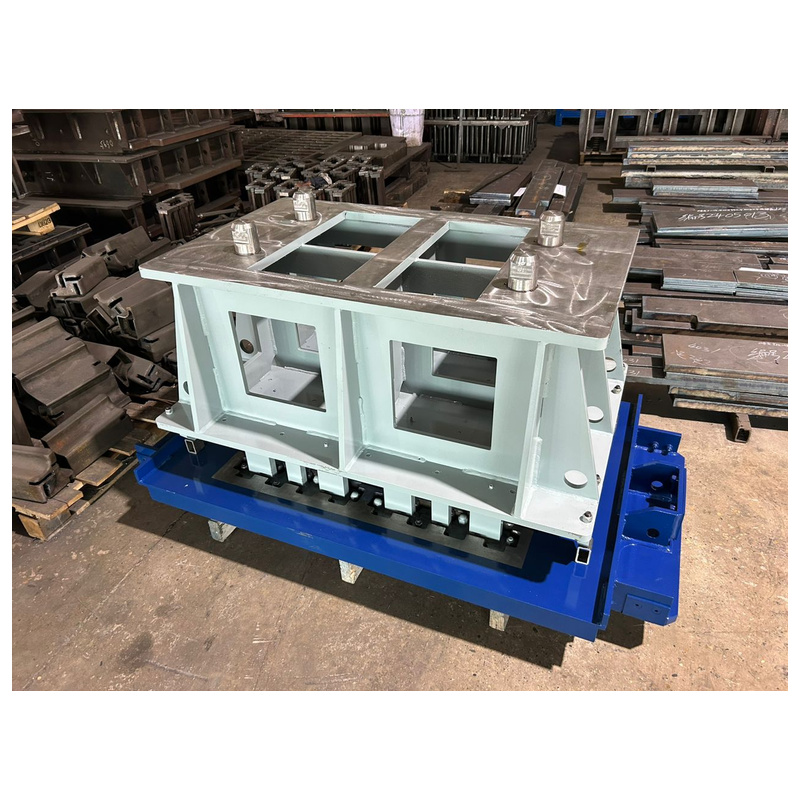
Make each POYATOS product requirement clear before layout review. Separate hollow block sections from grass paver opening patterns, then agree the pressing geometry and requested cavity count using your own product and pallet drawings....
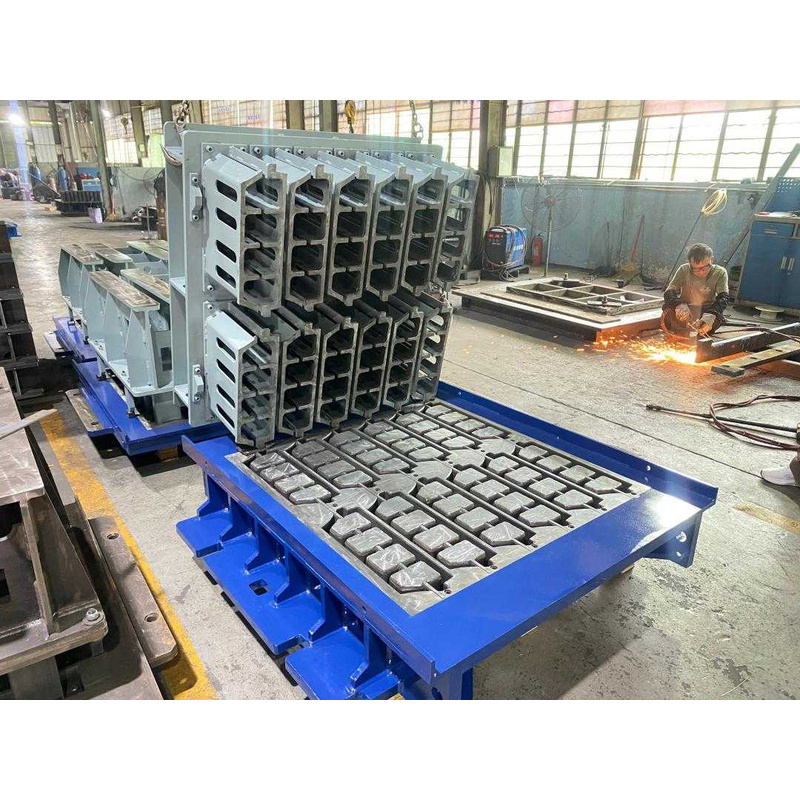
Compare QUADRA Hourdis layouts with each block size clearly identified. State the block section and desired pieces per mould, then review cavity layout and pallet use without applying one order’s figures to a different product....
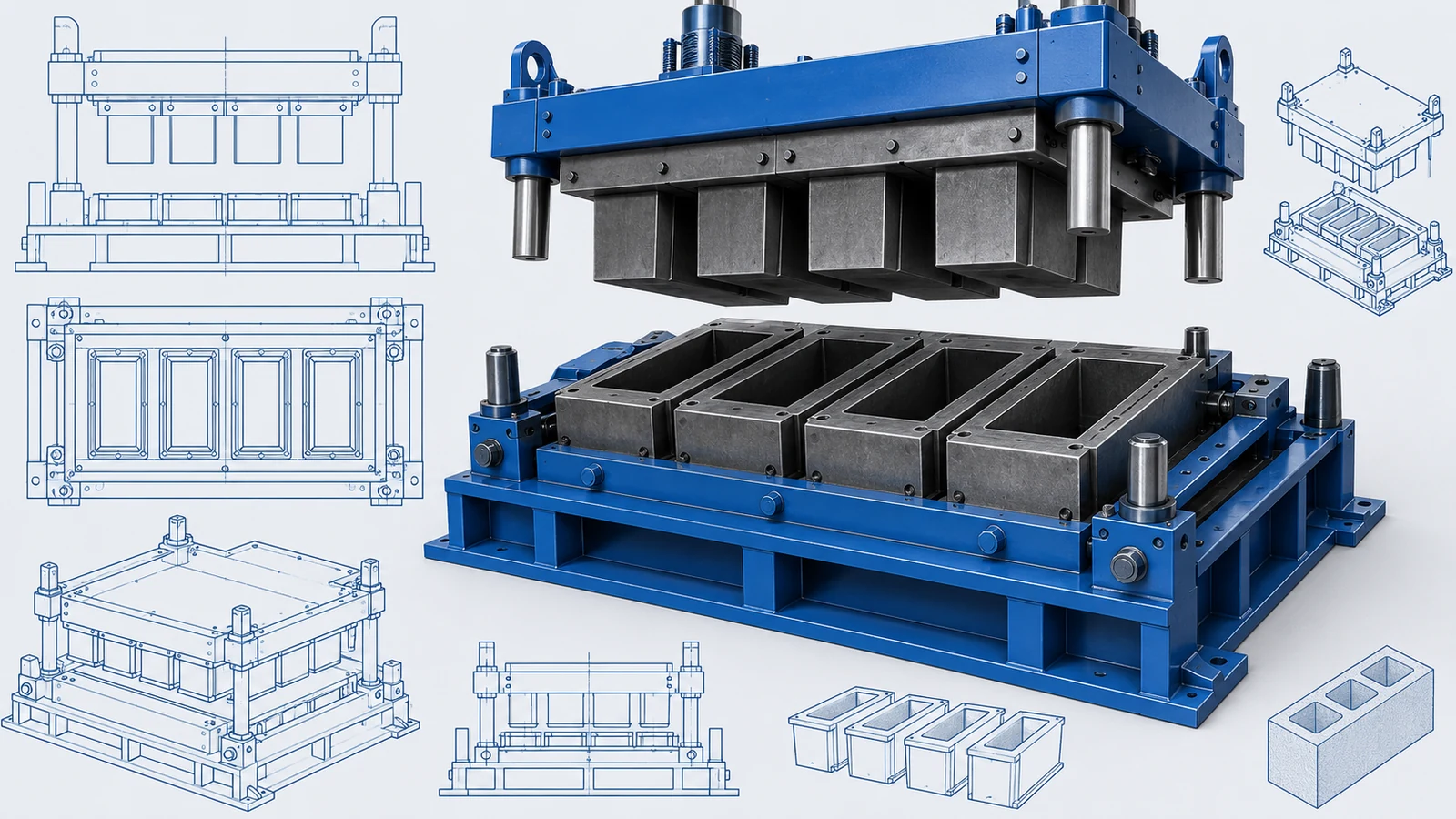
Give the Zenith mould discussion a useful product brief. Mark the finished unit's dimensions, openings and edges, then provide the pallet drawing and desired layout so forming requirements can be considered alongside the receiving machine....
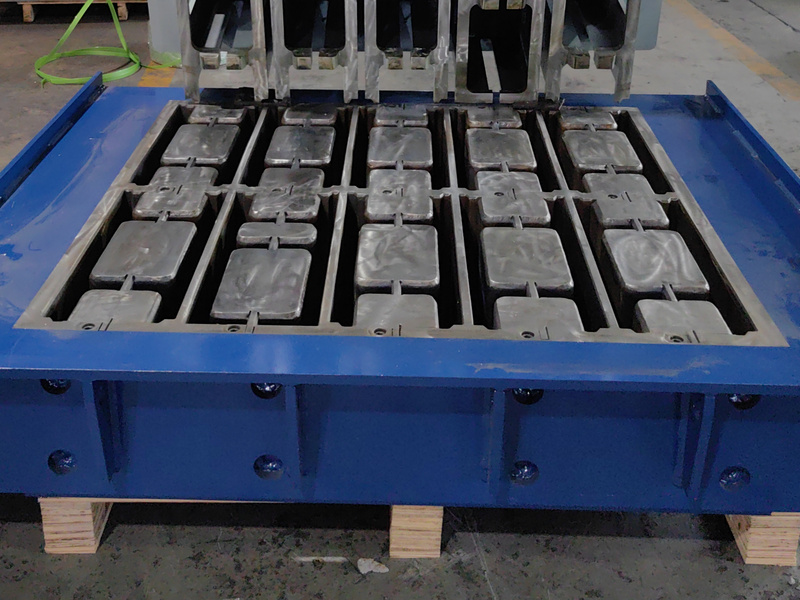
Keep each TECHMATIK hollow block size paired with its own cavity layout. Define openings, walls and requested pieces per cycle so changes in block width can be reviewed against the product drawing and pallet arrangement....
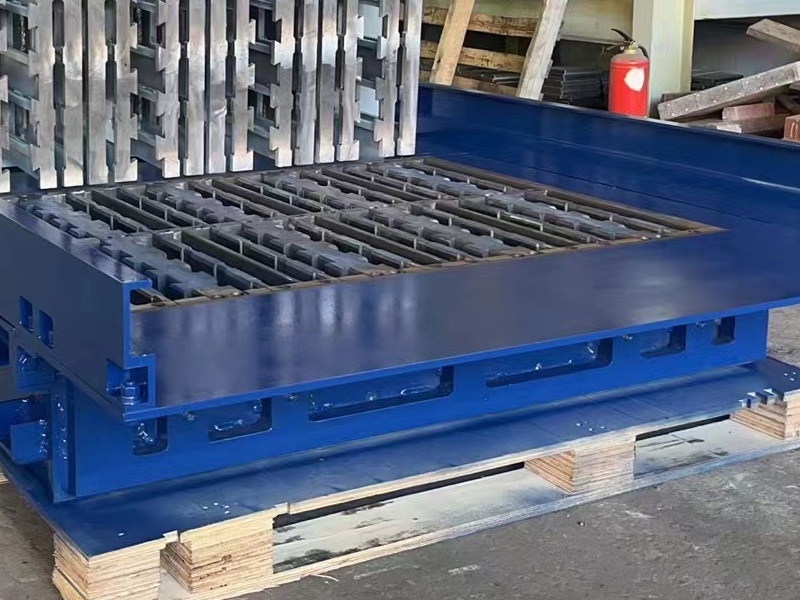
Make the HESS mould handover easier to check. Agree cavity and mounting checks, identify the assembly revision, and record wear observations so a later replacement discussion refers to the correct forming components and tool....
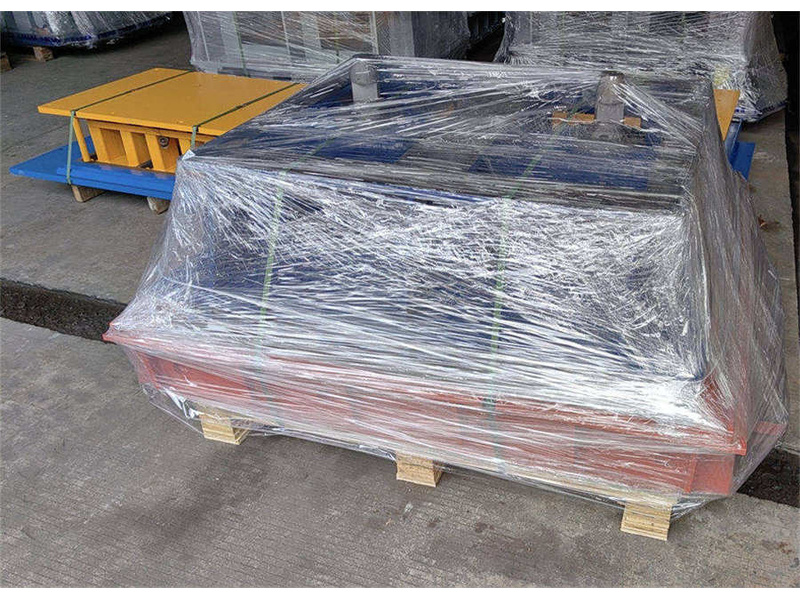
Keep your MASA mould order clear from assembly review to delivery. Agree checks and packing, then retain labelled condition views to support receiving checks and later discussions about wear or replacement parts....
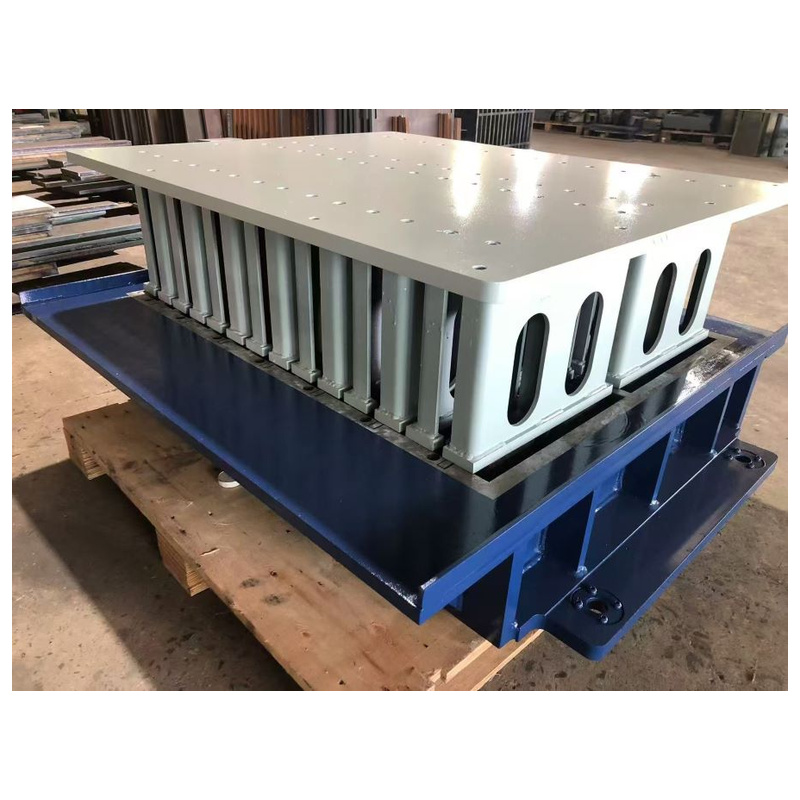
Keep a POYATOS repeat order tied to the right mould and block drawing. Record the current assembly, profile changes and wear observations so replacement discussions have clear references for dimensions, connections and supplied parts....
This category brings together the concrete block, paver, kerbstone, retaining-wall and special-shape mould topics grouped under this section. It is intended for producers and buyers who need to review the mould type, brick format and interface requirements before selecting a solution.
The listings below cover the specific products and topics assigned to this category. Use them to compare the relevant mould options and the information required for each application.
HAWEN helps by setting out the mould details, brick requirements and interface checks needed for each item. Parameters that are not confirmed remain unconfirmed until verified.

 Tel: +8618359454595
 Email: sale@hwmachines.com
 MP/WhatsApp: +8618359454595
 Manufacturer Address:Nanan, Quanzhou City, Fujian Province, China